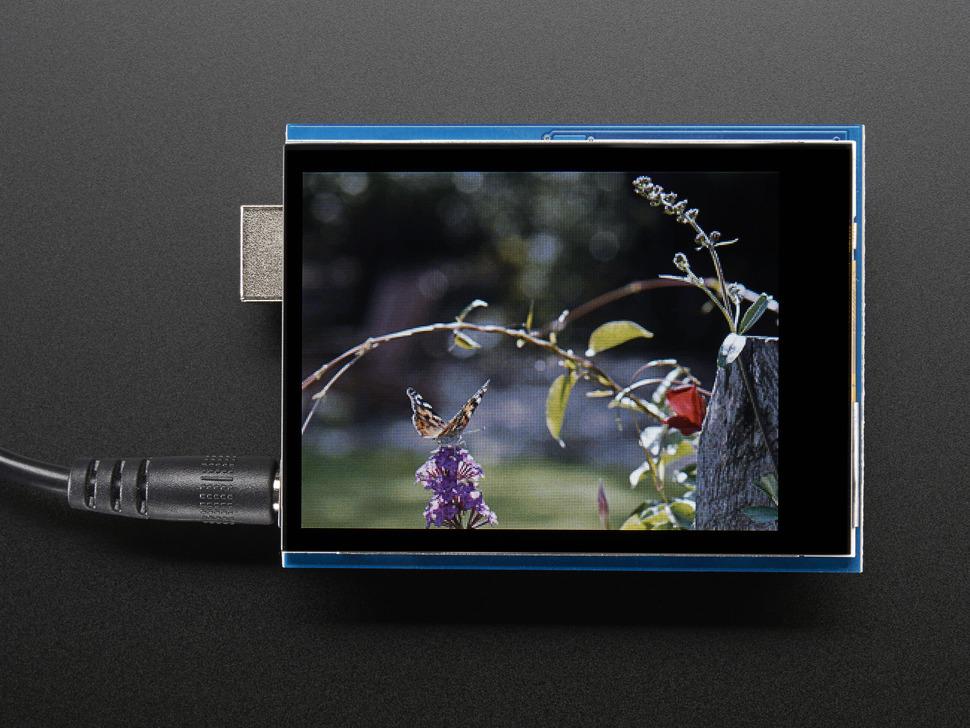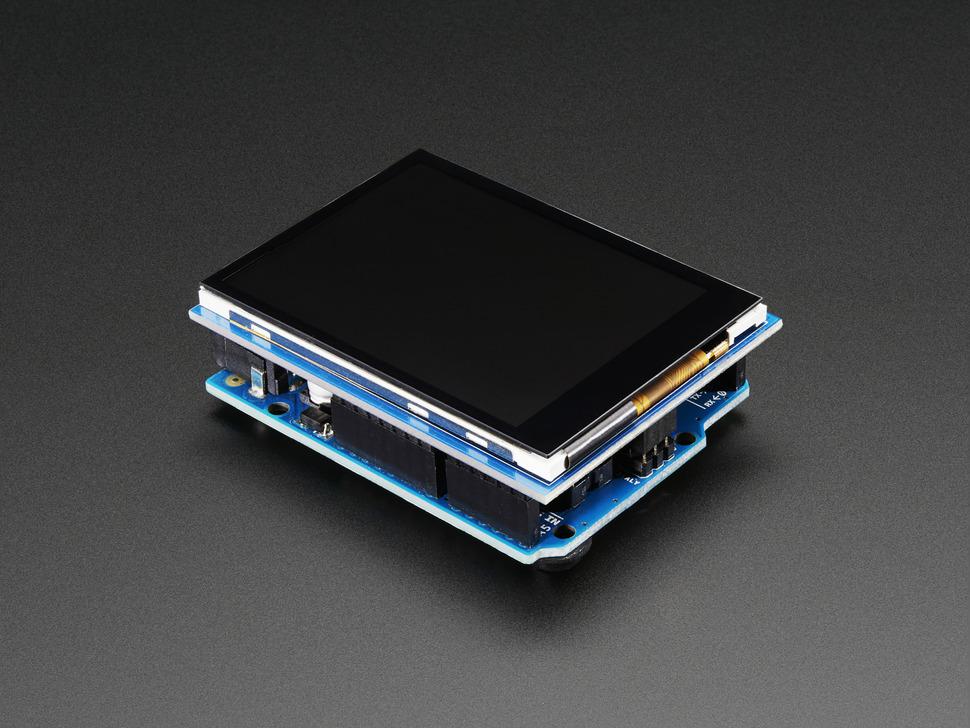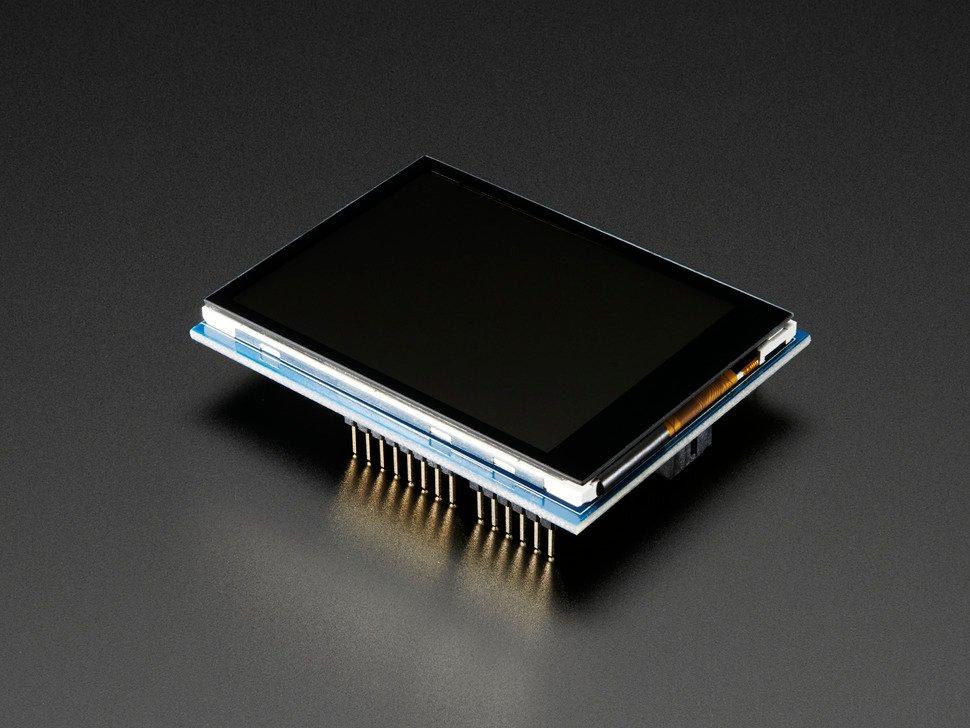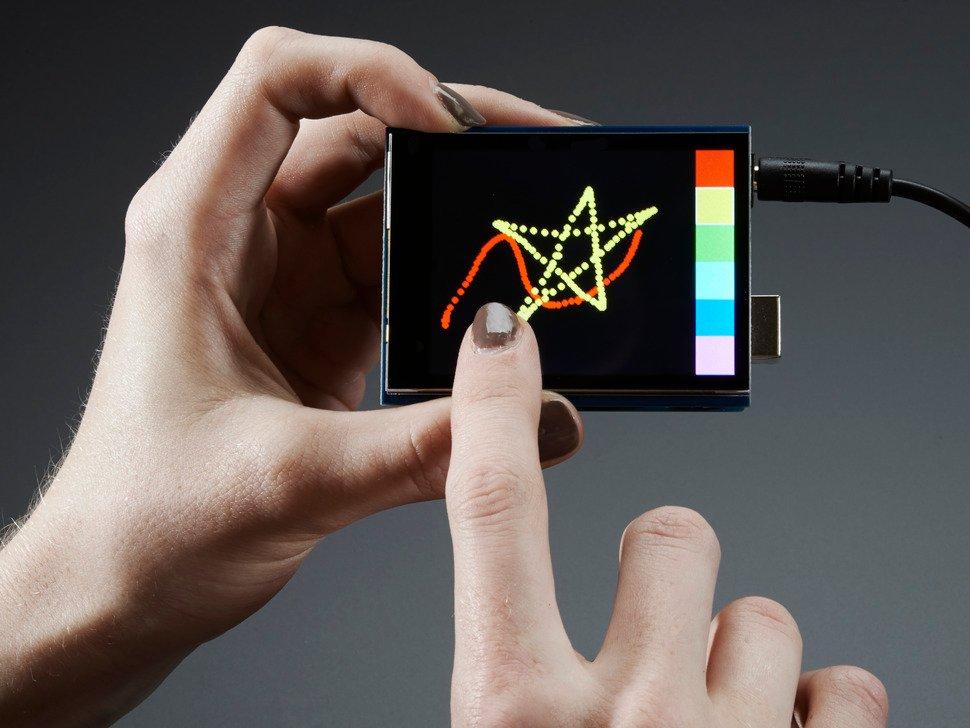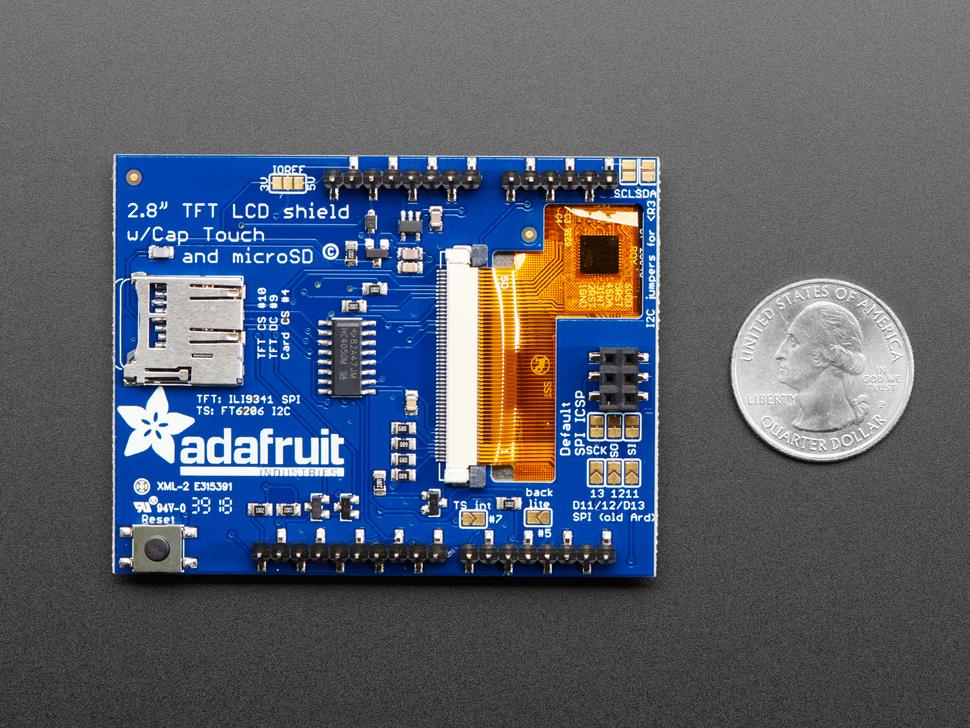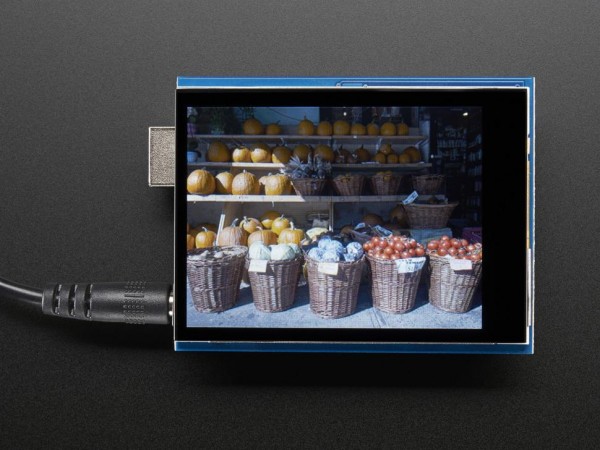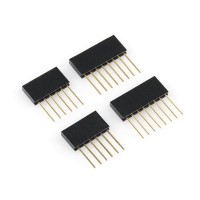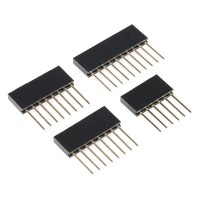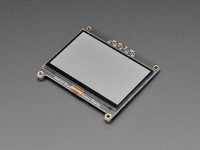

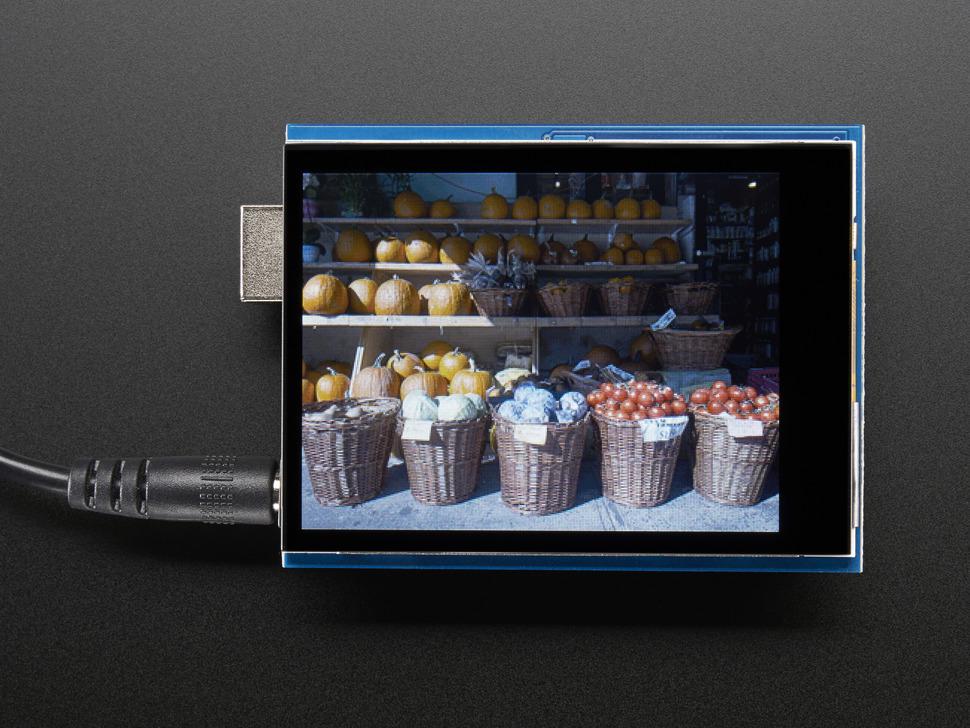
Adafruit 2.8" TFT Touch Shield, kapazitiver Touchscreen für Arduino
Codice prodotto: ADA1947
49,45 €
Disponibile, tempi di consegna: 1-3 Tage
49,45 €
Descrizione
Info sui prodotti "Adafruit 2.8" TFT Touch Shield, kapazitiver Touchscreen für Arduino"
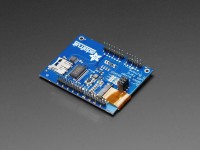
Dieser Shield ist die kapazitive Version. Bei diesem Touchscreen ist es nicht erforderlich, mit einem Stift auf den Bildschirm zu drücken, und er hat eine schöne glänzende Glasabdeckung. Es handelt sich um ein Single-Touch-Display.
Dieses Shield verwendet SPI für das Display und die SD-Karte und ist einfacher mit UNO, Mega & Leonardo Arduino's zu verwenden. Der kapazitive Touchscreen-Controller verwendet I2C, aber Sie können den I2C-Bus mit anderen I2C-Geräten teilen.
Das Shield ist komplett montiert, getestet und einsatzbereit. Keine Verkabelung, kein Löten! Stecken Sie es einfach ein und laden Sie unsere Bibliothek - in weniger als 10 Minuten ist es einsatzbereit! Funktioniert am besten mit jedem klassischen Arduino (UNO/Duemilanove/Diecimila). Löten Sie drei Jumper und Sie können es auch auf einem Leonardo oder Mega in voller Geschwindigkeit verwenden.
Dieses Display-Shield hat einen eingebauten Controller mit RAM-Pufferung, so dass dem Mikrocontroller fast keine Arbeit abgenommen wird. Dieses Shield benötigt weniger Pins als unser v1-Shield, so dass Sie mehr Sensoren, Taster und LEDs anschließen können: 5 SPI-Pins für das Display, 2 gemeinsam genutzte I2C-Pins für den Touchscreen-Controller und ein weiterer Pin für die uSD-Karte, wenn Sie Bilder von ihr auslesen wollen.
Natürlich würden wir Sie nicht einfach mit einem Datenblatt und einem "Viel Glück!" zurücklassen. - wir haben eine vollständige Open-Source-Grafikbibliothek geschrieben, die Pixel, Linien, Rechtecke, Kreise und Text zeichnen kann. Wir haben auch eine Touchscreen-Bibliothek, die die x & amp; y-Position erkennt und Beispielcode, um all das zu demonstrieren. Der Code ist für Arduino geschrieben, kann aber leicht auf Ihren bevorzugten Mikrocontroller portiert werden!
Proprietà
| Gewicht Brutto (in kg): | 0.067 |
|---|---|
| Zolltarifnummer: | 85312040 |
| Artikelnummer: | ADA1947 |
| EAN: | 5904422328337 |
| Herkunftsland: | USA |
| Hersteller: | Adafruit |
| Hersteller Produktnummer: | 1947 |
Produttore
Adafruit
Adafruit: l'esperto di hardware open source
Per più di dieci anni, programmatori e tinker hanno beneficiato dell'esperienza del marchio Adafruit. Sia per i principianti che per gli esperti: Adafruit ha i componenti hardware giusti per il vostro prossimo progetto IoT.
La luce entra nel buio con Adafruit NeoPixel
Una linea di prodotti estremamente popolare dell'ampio portafoglio dell'azienda è Adafruit NeoPixel. I sofisticati componenti LED sono disponibili in un'ampia gamma di design e temperature di colore. I moduli NeoPixel sono disponibili, ad esempio, sotto forma di pratico stick con cinque LED intelligenti in rosso, verde e blu (RGB) o in bianco (W), come schermo con 40 LED RGBW a risparmio visivo, in cui tutti i pixel possono essere indirizzati individualmente, e come gioiello con sette LED RGBW che possono essere controllati con PWM a 8 bit per canale.
Particolarmente apprezzato è l'anello NeoPixel di Adafruit, con 16 LED RGB intelligenti e ultra-luminosi con driver integrati, per il cui controllo è sufficiente un solo microcontrollore. Il trucco è che gli anelli Adafruit NeoPixel formano una catena, per così dire: si accoppia il pin di uscita di uno con il pin di ingresso dell'altro.
Con i prodotti NeoPixel di Adafruit, potete realizzare un'ampia varietà di progetti: non ci sono praticamente limiti alla vostra creatività. Con l'aiuto di Arduino, di un cavo di collegamento e del software corrispondente, è possibile, ad esempio, controllare singolarmente un anello NeoPixel e accendere i piccoli LED come si desidera, singolarmente o in una combinazione specifica. In questo modo, è possibile creare il proprio Vu-Meter con i versatili componenti LED. Pratica: per facilitare la programmazione di Adafruit NeoPixel, Adafruit fornisce una libreria Arduino e una libreria Python.
Schede Feather di Adafruit: hardware potente in un formato compatto
Con Adafruit Feather, l'azienda statunitense specializzata in hardware ha in gamma anche diverse schede di sviluppo potenti, che corrispondono essenzialmente a un Arduino in termini di funzioni. Tutte queste schede sono dotate di caratteristiche simili; tra l'altro, l'assegnazione dei pin è la stessa e ci sono anche molti parallelismi per quanto riguarda i microcontrollori e le proprietà di carica della batteria. Inoltre, nella gamma di prodotti Adafruit troverete anche schede Feather con dispositivi speciali come Bluetooth, Wi-Fi e connettività di rete mobile, nonché schede con slot microSD. Il nome "Feather" non è casuale: le tavole si caratterizzano anche per essere particolarmente compatte e, soprattutto, leggere.
La gamma di prodotti di alta qualità è ampia: la STM32F405 Feather, ad esempio, è la scheda CircuitPython più veloce di Adafruit con un'eccezionale frequenza di 168 MHz e soddisfa le esigenze più elevate. È dotato di una porta STEMMA QT / Qwiic all'estremità, che facilita il collegamento ai sensori I2C. L'Adafruit Feather nRF52840 Express, invece, brilla per il Bluetooth Low Energy e può essere utilizzato anche con CircuitPython grazie al supporto USB nativo.
Un'altra parte importante del portafoglio di Adafruit sono le FeatherWings. Con questi moduli di espansione, è possibile includere nel progetto IoT anche componenti come un display o un driver motore. Il FeatherWing Proto è un classico collaudato della gamma Adafruit. È ideale come componente aggiuntivo di prototipazione per tutte le schede Feather. Il mini kit Adafruit FeatherWing Wing Tripler, invece, è ideale se si vuole collegare un Feather ad altri due FeatherWing contemporaneamente. Con il kit MIDI FeatherWing di Adafruit, si ottiene un FeatherWing abilitato alla musica che consente di aggiungere ingressi e uscite MIDI al Feather. E con l'Adafruit FeatherWing OLED potete aggiungere facilmente un piccolo display OLED alla vostra scheda Feather, senza bisogno di saldature.
Adafruit: cosa c'è dietro il marchio
Esperto di hardware open source, Adafruit si è affermato da tempo nel settore dell'elettronica. L'azienda è stata fondata nel 2005 da Limor Fried. All'epoca, il talentuoso e innovativo ingegnere elettrico era ancora uno studente del rinomato Massachusetts Institute of Technology (MIT). Fried è ancora amministratore delegato del gigante dell'elettronica, che ora ha sede a New York. Il nome dell'azienda risale anche alla sua fondatrice: Fried era conosciuto nel World Wide Web con il soprannome di "Ladyada", un omaggio alla famosa pioniera dell'informatica Ada Lovelace.
Adafruit dichiara di impegnarsi per far appassionare sempre più persone alla tecnologia e alla scienza e l'esperto di hardware statunitense dovrebbe riuscirci grazie ai suoi prodotti di prima qualità!
Hersteller- und Sicherheitsinformationen
Adafruit Industries, LLC
168 39th Street 1905CC
US 11232 Brooklyn, New York
https://www.adafruit.com
[email protected]
WEEE-Nummer: 20453810
Verantwortliche Person für die EU
Sertronics GmbH
Am Studio 20d
DE 12489 Berlin
https://www.berrybase.de
[email protected]
Sicherheitshinweise
- Vermeiden Sie direkten Hautkontakt mit den elektrischen Komponenten während des Betriebs.
- Betreiben Sie das Produkt nur mit der empfohlenen Spannung und Stromstärke, um Schäden zu vermeiden.
- Schützen Sie das Display vor Feuchtigkeit, Hitze und direkter Sonneneinstrahlung.
- Montieren Sie das Produkt auf einer isolierten und stabilen Unterlage, um Kurzschlüsse zu vermeiden.
- Verwenden Sie geeignete Antistatik-Maßnahmen beim Umgang mit dem Shield, um Schäden durch elektrostatische Entladung zu verhindern.
- Schalten Sie die Stromzufuhr ab, bevor Sie das Produkt montieren, demontieren oder verdrahten.
- Achten Sie darauf, dass die Pins korrekt ausgerichtet sind, um Fehlfunktionen zu vermeiden.
- Halten Sie kleine Teile wie Stecker oder Schrauben von Kindern fern, um Verschlucken zu verhindern.
- Entsorgen Sie das Produkt als Elektroschrott gemäß den lokalen Richtlinien.
- Geben Sie das Produkt nicht in den Hausmüll, um Umweltverschmutzung zu vermeiden.
- Recyceln Sie Materialien wie Metalle oder Kunststoffe entsprechend verfügbarem Recyclingprogramm.
Valutazioni 1
Login
1 Valutazione
2 luglio 2022 00:00
-
-