
€9.85
Available · 2 piece · 1-3 days
€9.85*
Product information "Adafruit eInk Feather Friend, 32KB SRAM"
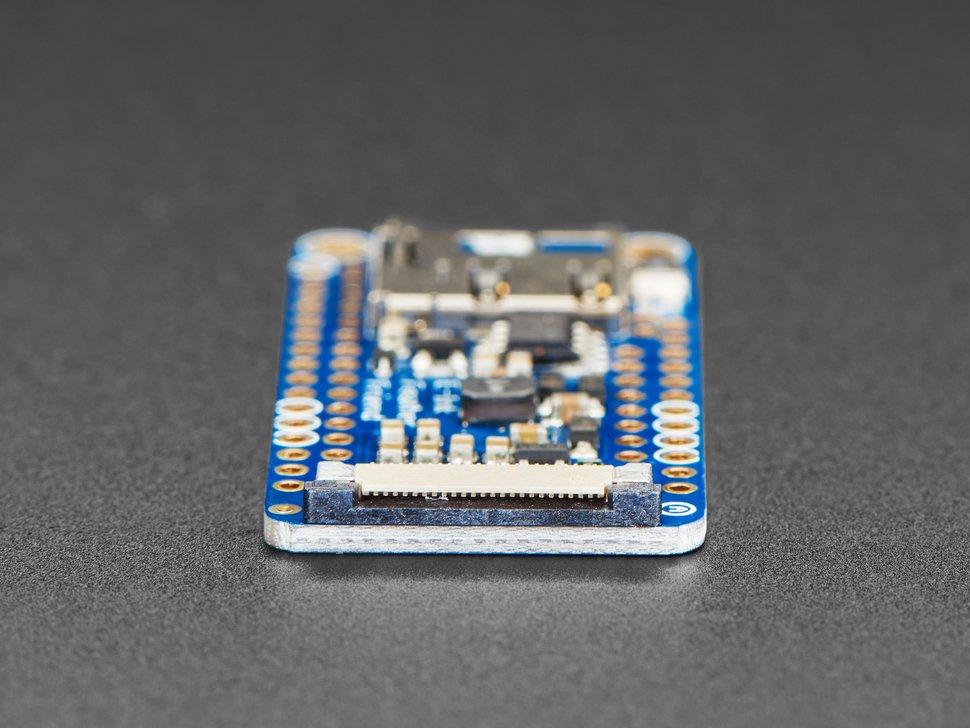
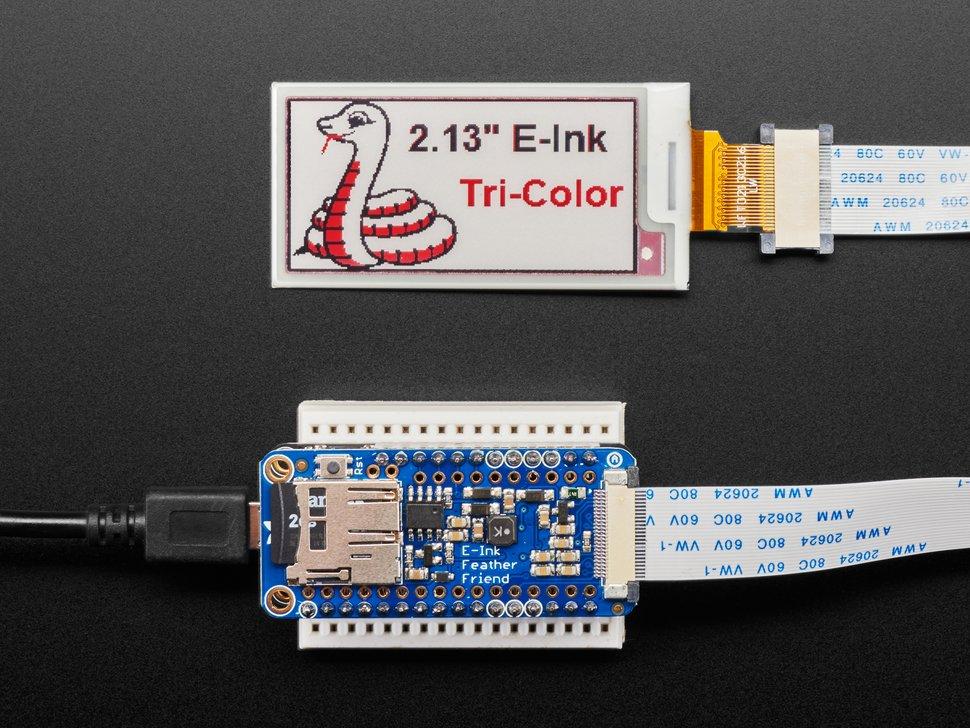
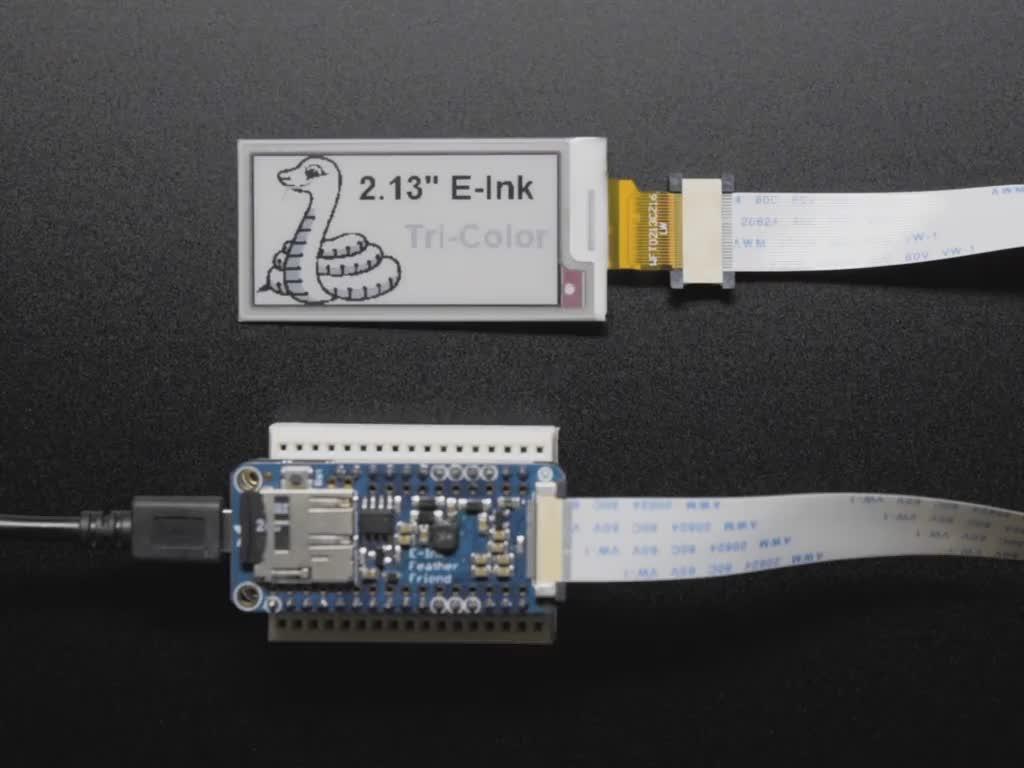
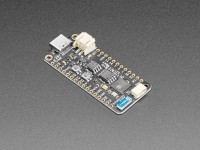
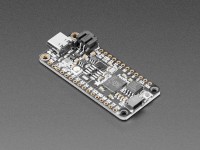
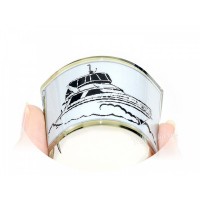
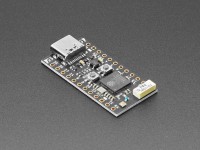
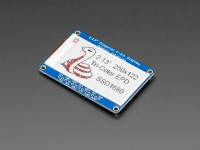
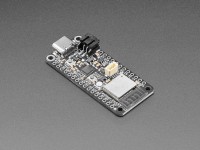
We've liked these displays for a long time, and we have Arduino/CircuitPython drivers for all our Feathers, so wouldn't an e-paper Feather Friend make a lot of sense? Luckily for us, pretty much every small to medium sized e-ink display made today has a standard 24-pin connector. This Friend adds all the circuitry to support power and level shifting, so you can connect your favourite display (up to tri-colour 4.2") and wire it to your favourite development board.
Using our CircuitPython or Arduino libraries, you can create a "frame buffer" with the pixels you want enabled and then output it to the display. Most simple breakouts leave it at that. But... almost all EInk displays are read-only and many only allow the entire display to be updated (no partial update). This means you have to cache the entire image you want to display, which uses up valuable RAM memory.
The Eink Feather Friend is much friendlier - it comes with 256 kilobits (32 kilobytes) of SRAM chip. This means you can control up to a 4.2" 300x400 tri-colour display (300*400 * 2 colours / 8 bits per byte=30KB). This chip shares the SPI port that the eInk display uses, so you only need one extra pin. And, no more frame buffering! You can use the SRAM to display what you want, and then push the data from the SRAM to the eInk when you're ready. The library we wrote does all the work for you, you can simply address it as if it were an Adafruit_GFX compatible display. If you prefer not to use the chip, our libraries will automatically use the internal RAM of the microcontroller/microcomputer.
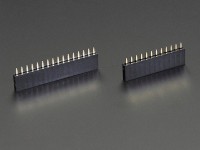
We've even attached a MicroSD socket so you can store images, text files or whatever you want to display. Comes assembled and tested, with some headers. You will need a soldering iron to attach the headers to your Feather for installation. If you stack the headers, you can place another FeatherWing on top.
No EInk display or extension cable included! For use with almost any EInk display that has a 24-pin FPC connector. See these wiring diagrams to check if your display will fit before purchasing.
| Zolltarifnummer: | 85423111 |
|---|---|
| Brand: | Adafruit |
| Country of Origin: | USA |
| Gross Weight (kg): | 0.009 |
| Manufacturer ID: | 4446 |
| Product ID: | ADA4446 |
Adafruit
Adafruit: The expert for open source hardware
For more than ten years, programmers and tinkerers have benefited from the expertise of the Adafruit brand. Whether for beginners or proven experts, Adafruit has the right hardware components ready for your next IoT project.
Light comes into the dark with Adafruit NeoPixel
One extremely popular product line from the company's broad portfolio is Adafruit NeoPixel. These nifty LED components come in a wide variety of designs and color temperatures. NeoPixel modules are available, for example, in the form of a practical stick with five intelligent LEDs in red, green and blue (RGB) or in white (W), as a shield with 40 eye-saving RGBW LEDs in which all pixels are individually addressable, and as a jewel with seven RGBW LEDs that can be controlled with 8-bit PWM per channel.
Especially popular is the Adafruit NeoPixel Ring with 16 ultra-bright, intelligent RGB LEDs including integrated drivers, which you only need a single microcontroller to control. The trick is that the Adafruit NeoPixel rings form a chain, so to speak: You couple the output pin of one with the input pin of the other.
With the Adafruit NeoPixel products you can realize a wide variety of projects - there are virtually no limits to your creativity. With the help of an Arduino, a jumper cable and the appropriate software, you can control a NeoPixel ring individually and light up the small LEDs as you wish - either individually or in a specific combination. This way, you can also create your own Vu meter with the versatile LED components. Practical: To make programming Adafruit NeoPixel easier, Adafruit provides an Arduino library as well as a Python library.
Adafruit Feather Boards: Powerful hardware in a compact format
With Adafruit Feather, the hardware specialist from the States also has various powerful development boards in its range, which are essentially equivalent to an Arduino in terms of function. All of these boards are equipped with similar features; among other things, the pin assignment is the same and there are also many parallels when it comes to the microcontrollers and the battery charging properties. In addition, you can also find Feather boards with special devices like Bluetooth, Wi-Fi and cellular network connectivity as well as boards with microSD slot in Adafruit's product range. The name "Feather" is no coincidence: The boards are also characterized by being particularly compact and, above all, lightweight.
The range of top-class product highlights is wide: The STM32F405 Feather, for example, is the fastest CircuitPython board from Adafruit with an outstanding 168 MHz and meets the highest demands. It is equipped with a STEMMA QT / Qwiic port at the end, which makes it easy to connect to I2C sensors. The Adafruit Feather nRF52840 Express, on the other hand, shines with Bluetooth Low Energy and can also be used with CircuitPython thanks to native USB support.
Another important part of Adafruit's portfolio are the FeatherWings. With these expansion modules, you can also include components such as a display or a motor driver in your IoT project. The FeatherWing Proto is a proven classic in Adafruit's portfolio. This is ideally suited as a prototyping add-on for all Feather boards. The Adafruit FeatherWing Wing Tripler Mini Kit, on the other hand, is ideal if you want to connect a Feather to two other FeatherWings at the same time.
With the Adafruit MIDI FeatherWing Kit you get a music capable FeatherWing, thanks to which you can equip your Feather with MIDI input and output jacks. And with the Adafruit FeatherWing OLED you can easily add a small OLED display to your Feather board - no soldering required.
Adafruit: What's behind the brand
As an expert in open-source hardware, Adafruit has long since established itself in the electronics industry. The company was founded in 2005 by Limor Fried. At the time, the talented and innovative electrical engineer was still a student at the renowned Massachusetts Institute of Technology (MIT). To this day, Fried is CEO of the electronics giant, which is now headquartered in New York. The company's name also goes back to its founder: Fried was once known on the World Wide Web by the nickname "Ladyada" - a tribute to the famous IT pioneer Ada Lovelace.
Adafruit says it is committed to getting more people excited about technology and science - and thanks to its first-class products, the hardware expert from the USA is sure to succeed!
Adafruit Industries, LLC
168 39th Street 1905CC
US 11232 Brooklyn, New York
https://www.adafruit.com
[email protected]
WEEE number: 20453810
Person responsible for the EU
Sertronics GmbH
Am Studio 20d
DE 12489 Berlin
https://www.berrybase.de
[email protected]
Safety instructions
- Only use the product in accordance with the instructions and technical specifications supplied.
- Only operate the board with the intended operating voltage in order to avoid damage and danger.
- Avoid contact with water or moisture to prevent short circuits and malfunctions.
- Keep the board away from extreme temperatures, naked flames and direct sunlight.
- Disconnect the board from the power supply before working on it or changing components.
- Ensure that the board is operated on a non-conductive surface to prevent short circuits.
- Children may only use the product under adult supervision.
- Dispose of the product in accordance with local regulations for electronic waste.
- Remove connected batteries before disposal and dispose of them separately at suitable collection points.
- Avoid using the product in safety-critical or vital applications.
Login